


Website Bounce Rate Calculator
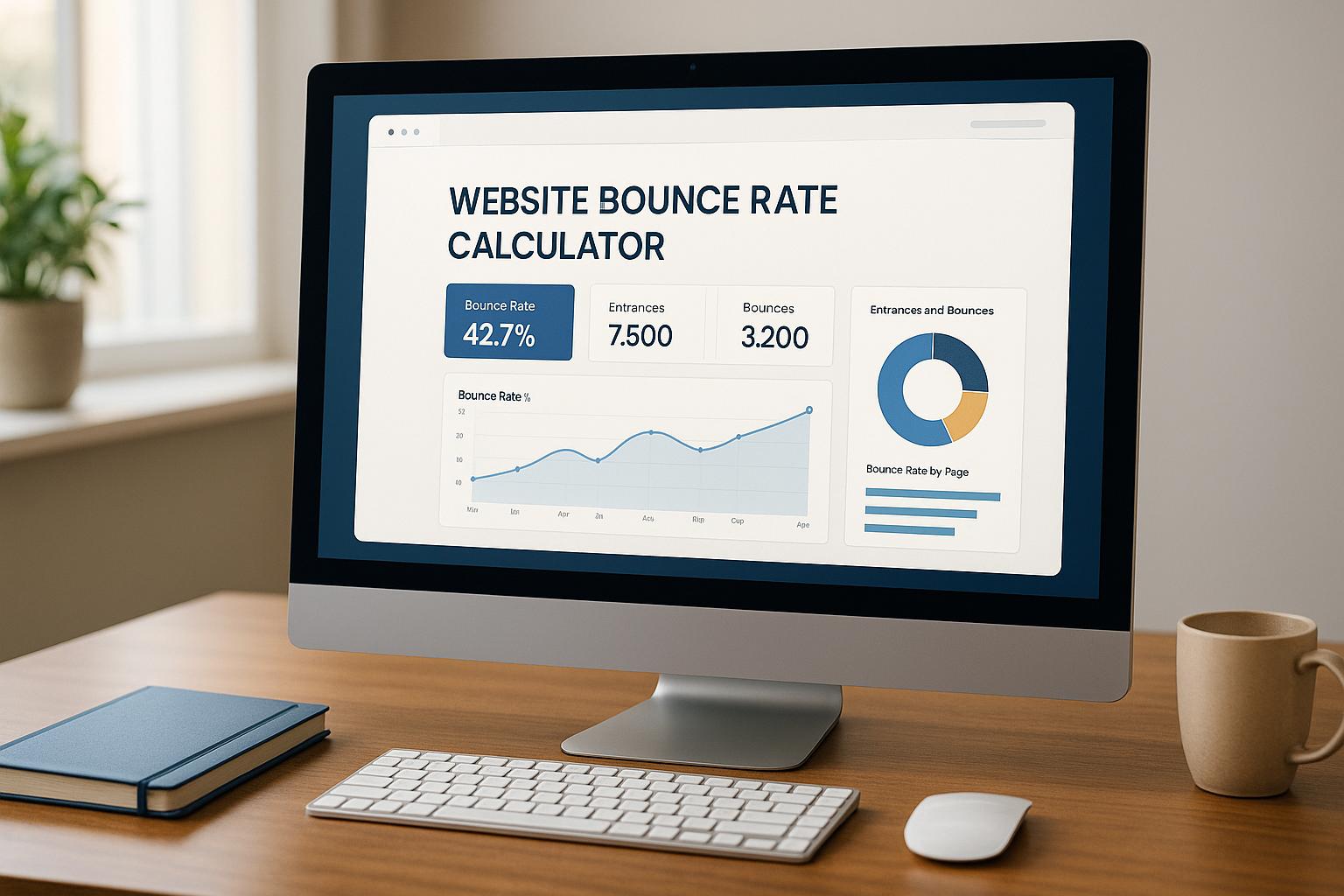
Website Bounce Rate Calculator
 11-12-2025 (Last modified: 11-12-2025)
Website Bounce Rate: What It Really Tells You (And What To Do About It)
When you’re trying to figure out if your website is actually working, website bounce rate is one of those metrics you can’t ignore.
It’s simple: it measures the percentage of visitors who land on a page and leave without doing anything else.
Quick version:
-
Website bounce rate = % of visitors who view one page then leave
-
High bounce rate can mean mismatch between expectations and reality
-
Low bounce rate usually signals good relevance and engagement
-
Use a website bounce rate calculator to see the numbers clearly
-
The goal isn’t “0% bounces” – it’s meaningful engagement from the right people
We’ve seen plenty of sites chase “perfect” metrics and forget the real point: getting the right visitors to stick around and take action.
What is website bounce rate?
Website bounce rate is the percentage of sessions where a user visits just one page and then leaves without clicking anything else.
If 100 people land on a page and 60 leave straight away, your website bounce rate for that page is 60%.
A bounce rate calculator just automates the maths:
Bounce rate (%) = (Single-page sessions ÷ Total sessions) × 100
You can look at bounce rate for:
-
A single page (e.g. your main landing page)
-
A group of pages (e.g. blog posts)
-
Your whole website
In our experience, the most useful view is at page level first. That’s where you see what’s actually working and what’s repelling people.
Why website bounce rate matters
Website bounce rate gives you a quick health check on:
-
Relevance – did people land on the right page for what they searched?
-
Clarity – do they instantly understand what the page is about?
-
Experience – is the page fast, readable, and easy to scroll?
-
Intent – are you attracting browsers instead of buyers?
Some context:
-
Many analytics studies report average website bounce rates between ~41% and 55% across industries, with blogs and news sites often much higher.
-
Google has repeatedly stressed that helpful, relevant content and good UX are key ranking factors – high bounce from the wrong users is usually a signal that something’s off.
We’ve seen pages with a 70%+ bounce rate start converting nicely after a few surprisingly small tweaks: clearer headline, better hero copy, and one obvious call-to-action instead of three competing ones.
When a high bounce rate is actually a problem
A high bounce rate isn’t automatically bad.
Ask these questions:
-
Is this page supposed to start a journey? (e.g. landing page, product page, pricing page)
-
Do you want people to click to another page, sign up, or buy?
-
Are you paying for traffic to this page?
If yes, a high bounce rate is a red flag.
If no – like:
-
A single recipe page
-
A help article with a quick answer
-
A contact or directions page
Then higher bounces might be totally fine. They came, got what they needed, and left. That can still be a “successful” visit.
We’ve seen contact pages with a 90% bounce rate still doing their job perfectly because the user just needed the phone number and left.
Common reasons for a high bounce rate
Here’s where a website bounce rate calculator becomes useful: it tells you where to look.
Some usual suspects:
-
Slow page load
If a page takes more than 3 seconds to load, a big chunk of visitors just give up. A 1-second delay in page load can reduce conversions by 7%. People are brutal with their time. -
Weak or confusing headlines
If your headline doesn’t match what they expected from search or the ad they clicked, they bounce.
Example: they click an ad for “Free SEO checklist” and land on a generic agency homepage. They’re gone. -
Bad mobile experience
Tiny fonts, cramped layouts, and buttons too close together will quietly kill your engagement. Most sites see 50%+ of traffic on mobile now – sometimes way higher. -
No obvious next step
If there’s no clear CTA (or too many competing ones), people shrug and leave.-
No “Read next”
-
No product link
-
No email capture
-
No reason to scroll
-
-
Mismatched intent
Maybe you’re ranking for the wrong queries. For example, informational readers landing on a heavy “Book a demo” page are likely to bail quickly.
How to use a website bounce rate calculator properly
The calculator gives you the number. What you do next is what matters.
Use it to:
-
Compare pages
-
Which pages have the highest website bounce rate?
-
Which are keeping people around?
-
-
Spot patterns
-
Do certain traffic sources have worse bounce rates?
-
Are certain topics or offers underperforming?
-
-
Prioritise fixes
-
Tackle the high-traffic, high-bounce pages first
-
We’ve seen big wins just by lining up the top 10 most-visited pages, then fixing the three worst performers first. That alone can give fast improvements without touching the rest of the site.
Practical ways to reduce website bounce rate
Once you’ve checked your numbers with the website bounce rate calculator, here are straightforward fixes:
1. Tighten message match
Make sure the page matches what people thought they were clicking:
-
Align your title tag and H1
-
Reflect the ad or social post promise in the first screen
-
Answer the core question fast – above the fold if you can
2. Fix the first 5 seconds
What they see first decides whether they scroll or bounce.
Check:
-
Is the headline specific and clear, not vague?
-
Does the subheading explain who it’s for and what they get?
-
Is there a clean hero image or simple visual, not clutter?
A small observation: we’ve repeatedly seen that swapping “clever” headlines for simple, benefit-focused ones can drop website bounce rate by 10–20% on key pages.
3. Improve readability
People don’t read walls of text.
Help them:
-
Use short paragraphs and subheadings
-
Break key points into bullet lists
-
Add images, diagrams, or examples where helpful
-
Use clear, conversational language (no jargon salad)
4. Create obvious next steps
Never leave a visitor wondering “now what?”.
Ideas:
-
Add “Next up” or “You might also like” internal links
-
Add one main CTA: sign up, start a trial, book a call, view pricing
-
Add in-content CTAs for scanners, not just one button at the bottom
5. Check mobile and core interactions
Open your site on your phone and actually use it.
Look for:
-
Are buttons easy to tap?
-
Does the hero section fit without awkward zooming?
-
Is the form painful to fill in on mobile?
We’ve seen bounce rates drop sharply just from simplifying mobile forms – fewer fields, larger inputs, and clear labels.
How website bounce rate fits with other metrics
The bounce rate is helpful, but it’s not the whole story.
Combine it with:
-
Conversions (sign-ups, purchases, clicks to key pages)
-
Traffic source (SEO, paid, social, email etc.)
For example:
-
High website bounce rate + high time on page
-
People may be reading fully and leaving – that’s not always bad.
-
-
Low bounce rate + no conversions
-
They’re clicking around but not finding what they need – still a problem.
-
The goal is quality sessions that lead to real outcomes, not just pretty numbers.
FAQs: Website bounce rate
What is a website bounce rate in simple terms?
Website bounce rate is the percentage of visitors who land on your site, view one page, and then leave without clicking anything else. A bounce rate calculator just helps you quickly work out that percentage so you can see which pages are losing visitors fast.
What’s a good website bounce rate?
As a rough guide:
-
Under 40% – strong
-
40–60% – normal for many sites
-
Over 60% – worth investigating, especially on key landing pages
But context matters. A simple blog article or contact page can naturally have a higher bounce rate and still be doing its job.
Why is my website bounce rate so high?
Common reasons include:
-
Slow loading pages
-
Misleading headlines or meta titles
-
Poor mobile experience
-
Confusing layout or too many choices
-
Weak or missing calls-to-action
Start with your highest-traffic pages, run them through our bounce rate calculator, and then review them on your phone as if you’re a first-time visitor.
How can I reduce my website bounce rate quickly?
Quick wins usually come from:
-
Making the headline and above-the-fold content crystal clear
-
Matching the page better to the search term or ad copy
-
Improving mobile layout and speed
-
Adding a single, focused CTA and relevant internal links
Test one change at a time so you can see what actually moves the website bounce rate in the right direction.
Is a 0% bounce rate good?
If your analytics shows a 0% bounce rate, it’s almost always a tracking issue, not perfection. Some setups or events can artificially show very low bounces. The goal isn’t zero – it’s a realistic, healthy website bounce rate that lines up with engaged visitors and conversions.
say hello to easy Content Testing
try PageTest.AI tool for free
Start making the most of your websites traffic and optimize your content and CTAs.
Related Posts

31-08-2026
 Becky Halls
Spiralyze alternatives: CRO agency or software in 2026?
Spiralyze makes an offer that’s hard to argue with. “30% lift in 90 days. No fee until we deliver.” More precisely: 10 tests, 3 wins, more than 30% lift in your first 90 days, and you pay nothing until they’ve done it. I’ll say plainly what most competitor pages wouldn’t. On risk alone, that’s a better offer than […]

31-08-2026
Becky Halls
AB Tasty alternatives: an honest comparison for 2026
AB Tasty is a strong platform with a well-liked support team, sitting at 4.4 on G2 across 418 reviews. Reviewers on TrustRadius describe it as better value than pricier AB Tasty alternatives, which in this category is a real compliment. It also has the most unusual buying process here. No published pricing, and no free […]

31-08-2026
Becky Halls
The best Optimizely alternative: a comparison for 2026
Optimizely is the most capable experimentation platform on the market. I don’t think that’s seriously disputed. Server-side testing, feature flags, personalization, statistical depth, and it all runs at genuine enterprise scale. In 2026 they’ve wrapped the whole thing in “agentic experimentation” branding and shipped an AI variation development agent, and the underlying Web Experimentation product […]