


Content Readability Calculator for Clarity
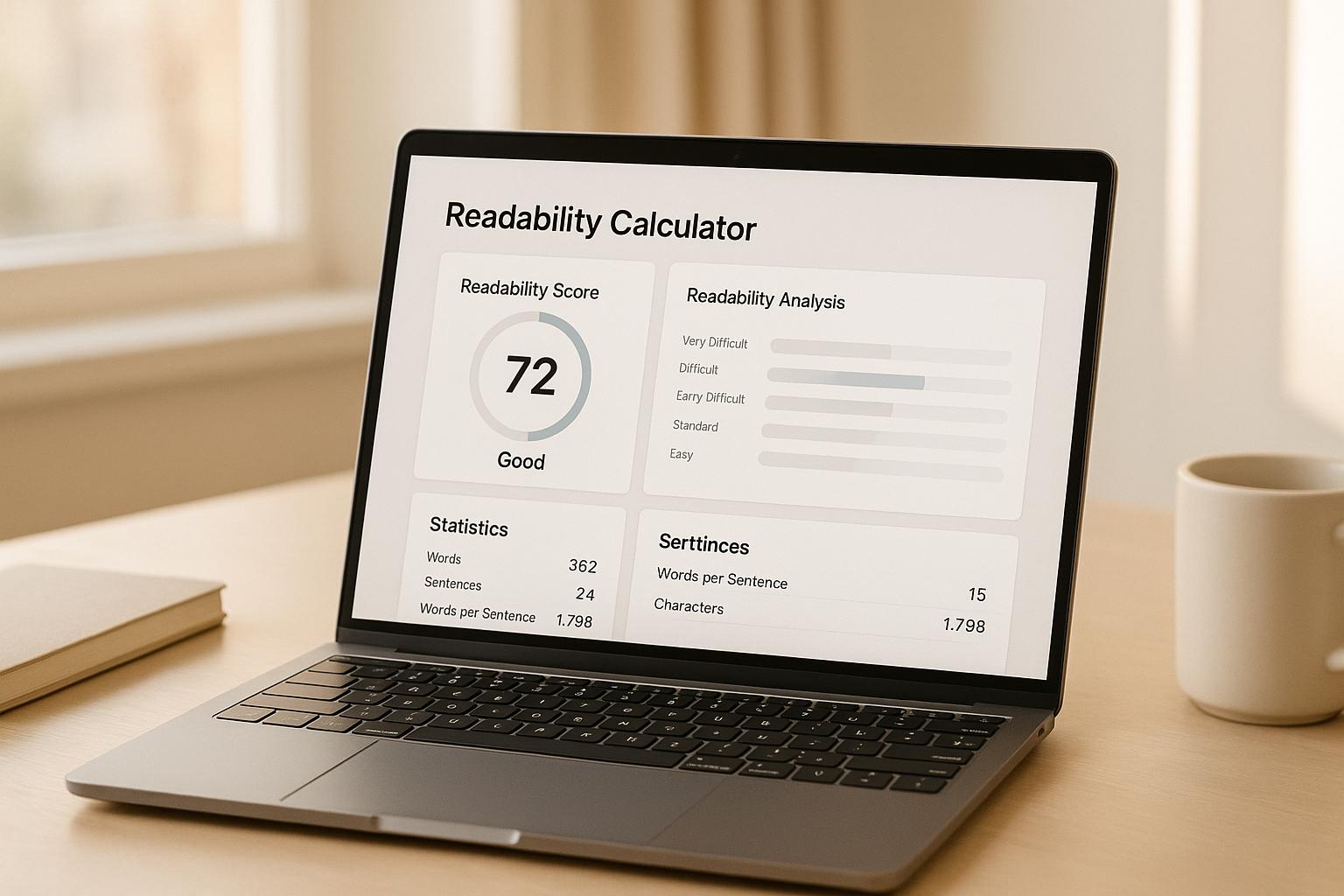
Content Readability Calculator for Clarity
 06-12-2025 (Last modified: 12-12-2025)
Improve Your Writing with a Content Readability Calculator
Clear writing isn’t about sounding clever. It’s about being understood. A content readability calculator helps you check whether your text is easy to follow, too dense, or accidentally drifting into academic-essay territory.
Quick snapshot:
-
A content readability calculator scores how easy your writing is to read
-
It highlights long sentences, complex words, and structural issues
-
Ideal for blogs, articles, reports, landing pages, and anything user facing
-
Helps you match tone and complexity to your actual audience, not the one in your head
We’ve seen so many writers assume their content is “fine” until they run it through a readability tool and realise half their sentences are 35 words long… It happens to all of us!
Why readability matters more than most people think
Readability isn’t about dumbing things down. It’s about removing friction. Even highly educated readers prefer content that flows, makes sense quickly, and doesn’t make them reread every other line.
A content readability calculator gives you:
-
Grade-level clarity scores
-
Sentence and word complexity analysis
-
Indicators for jargon, density, and structure
Research backs this up too. Studies show that users typically read 20 to 28 percent of a page before deciding whether to continue, and clearer writing dramatically increases that number. Another stat we often quote internally: simplifying copy can lift conversions by up to 30 percent in certain tests.
In our experience, readability is one of the easiest wins for improving engagement. We’ve edited plenty of pages where shortening sentences alone reduced bounce rates and increased scroll depth.
What a content readability calculator actually does
A content readability calculator evaluates your writing based on established formulas like:
These formulas look at things like:
-
Average words per sentence
-
Syllables per word
-
Overall structure and density
You paste in your text, the calculator runs the numbers, and you instantly see whether your content reads like a friendly blog post, a government document, or a university thesis.
Most writers are surprised by the results. We’ve seen simple landing pages score at a college-graduate level because of long sentences and unnecessary jargon.
How to actually use readability scores
A readability score isn’t about passing or failing. It’s about alignment.
Use your content readability calculator to check:
-
Does the score match the audience?
-
Blog for beginners? Aim for Grade 6–8.
-
Technical whitepaper? Slightly higher is fine.
-
-
Are sentences too long?
Anything over 20–22 words tends to get heavy fast. -
Is jargon creeping in?
Especially common in B2B and niche industries. -
Is the tone consistent?
Odd tone jumps often show up as readability spikes.
We’ve found that the score is often less important than the patterns it reveals. If half your paragraphs spike into academic levels, that’s a sign to simplify.
Practical ways to improve readability
After running your text through a content readability calculator, here are the easiest fixes:
1. Shorten your sentences
Long, winding sentences lose readers. Break them up.
2. Use everyday language
Swap complicated words for simpler equivalents where it makes sense.
3. Cut filler and repetition
Words like “in order to,” “utilise,” and “due to the fact that” clutter your writing.
4. Add structure
Subheadings, bullet points, and spacing improve flow.
5. Read it out loud
If you run out of breath halfway through a sentence, it’s too long.
We’ve caught so many awkward lines this way.
6. Keep paragraphs tight
Short paragraphs create rhythm and help readers scan more easily.
A good readability score is the byproduct of good writing habits.
Why writers and marketers rely on readability tools
A content readability calculator helps:
-
Bloggers keep their posts engaging
-
Marketers turn dense copy into conversion-friendly content
-
Teachers and educators tailor material to the right reading level
-
Teams keep brand tone consistent across multiple writers
We’ve worked with clients who thought they needed a redesign when all they really needed was clearer text. After rewriting a few high-traffic pages with readability in mind, engagement increased with zero design changes.
FAQs: Content Readability Calculator
What does a readability score tell me?
A readability score shows how easy or difficult your writing is to understand. A Flesch-Kincaid Grade Level of 8 means it’s suitable for an 8th-grade reader. Lower scores mean simpler content, higher scores mean more complexity. A content readability calculator gives you an instant view of where your text sits.
How accurate are these formulas?
Readability formulas like Flesch-Kincaid and SMOG are widely used and based on solid linguistic research. They’re not perfect – context and tone also matter – but they’re a reliable benchmark. Think of them as guidance, not a final verdict.
What if my text is too short for analysis?
If the text is too short, your content readability calculator can’t calculate reliable statistics. Just add a paragraph or two and rerun the check. The tool needs enough material to analyse sentence length and complexity.
say hello to easy Content Testing
try PageTest.AI tool for free
Start making the most of your websites traffic and optimize your content and CTAs.
Related Posts

31-08-2026
 Becky Halls
Spiralyze alternatives: CRO agency or software in 2026?
Spiralyze makes an offer that’s hard to argue with. “30% lift in 90 days. No fee until we deliver.” More precisely: 10 tests, 3 wins, more than 30% lift in your first 90 days, and you pay nothing until they’ve done it. I’ll say plainly what most competitor pages wouldn’t. On risk alone, that’s a better offer than […]

31-08-2026
Becky Halls
AB Tasty alternatives: an honest comparison for 2026
AB Tasty is a strong platform with a well-liked support team, sitting at 4.4 on G2 across 418 reviews. Reviewers on TrustRadius describe it as better value than pricier AB Tasty alternatives, which in this category is a real compliment. It also has the most unusual buying process here. No published pricing, and no free […]

31-08-2026
Becky Halls
The best Optimizely alternative: a comparison for 2026
Optimizely is the most capable experimentation platform on the market. I don’t think that’s seriously disputed. Server-side testing, feature flags, personalization, statistical depth, and it all runs at genuine enterprise scale. In 2026 they’ve wrapped the whole thing in “agentic experimentation” branding and shipped an AI variation development agent, and the underlying Web Experimentation product […]